Bloxorz
Bloxorz
Bloxorz: Roll the Block Onto the Goal Tile
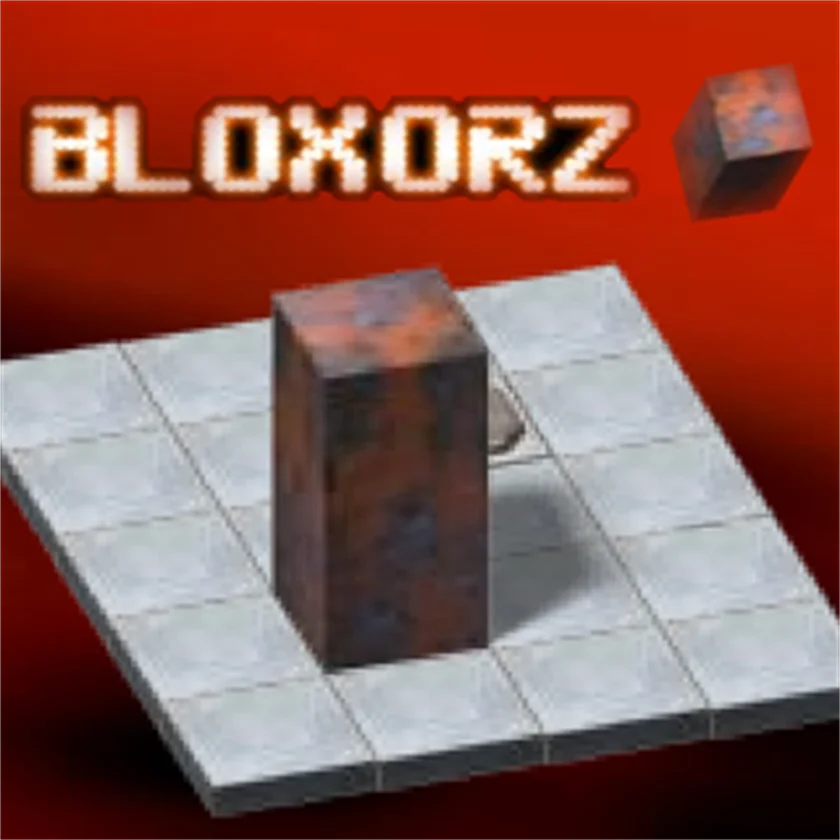
Bloxorz is a 3D block-rolling puzzle on a floating grid. You tilt a rectangular prism onto goal squares without falling off the edges—bridge tiles and switches add depth fast.
Press play above to start in your browser—no install, and it runs smoothly on desktop and phone.
What You Do in Bloxorz
- Roll the block so it stands upright on the finish tile to clear a stage.
- Trigger switches that activate bridges or split the block when required.
- Avoid falling off narrow paths; one slip sends you back to the start.
- Work through lettered stages that introduce new tile types gradually.
How to Play
Arrow keys roll the block. Space may split it on marked tiles. Keep the block on the grid at all times.
-
Learn movement first—arrows, WASD, or mouse depending on the HUD.
↑ ↓ ← → -
Use the action key shown in-game (click, space, or tap).
Space -
Watch the tutorial overlay on level one if it appears.
? -
Retry with one adjusted input instead of changing everything at once.
Desktop controls
-
Move
W A S D ↑ ↓ ← →
Try arrows if WASD does nothing.
-
Action
SpaceLMB
Space and left-click are common action keys.
-
Pause
PEsc
Pause when you need a break.
Mobile & tablet controls
-
Move
Joystick
Use the on-screen stick or tap zones.
-
Action
Tap
Main action buttons sit on the HUD edges.
-
Menu
☰
Open settings for sensitivity tweaks.
Tips for Higher Scores
- Plan the final orientation before you move—some goals need the block flat, not tall.
- Spacebar splits the block on special tiles; use it only when the layout demands.
- Undo mentally: trace backward from the goal to see the safe standing positions.
- Thin bridges need two-step rolls, not one long shove.
More Games Like Bloxorz
Taking a break from Bloxorz? Try Billion Marble and Bitlife for a similar pace; browse action games and skill games; let Basket Random surprise you with something you have not tried yet.
Comment (0)